
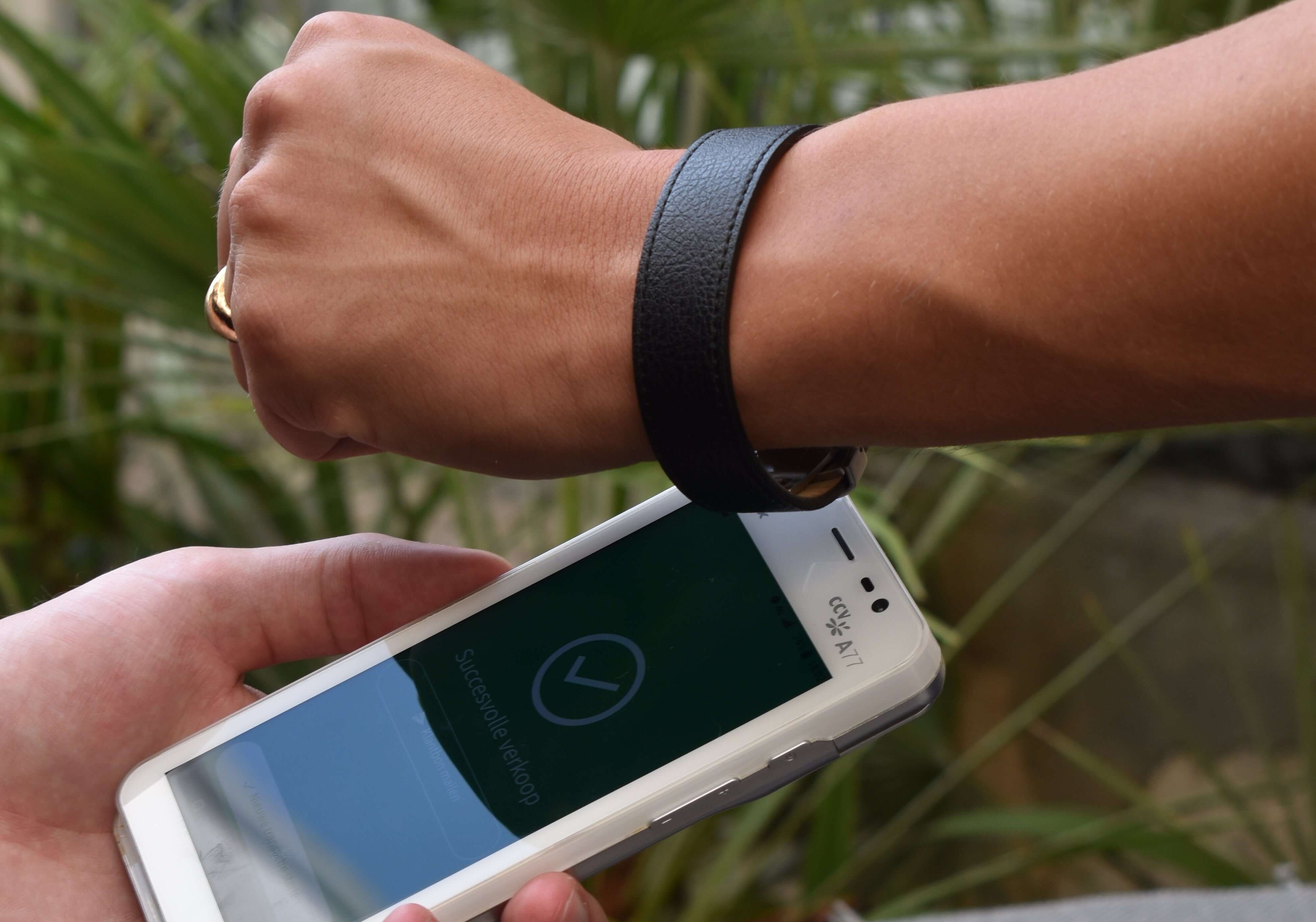
KROK 1 – Pobierz aplikację Manage Mii
The Manage Mii app serves as the control center for your wearable, allowing you to easily set it up with your Bybit Card, make adjustments, and even temporarily freeze it. You’ll have full control over your wearable and its features.
You only need the app to set up and manage your wearable(s). Once set up, the app or phone isn’t required when making payments with the wearable.
KROK 2 – Sparuj urządzenie noszone
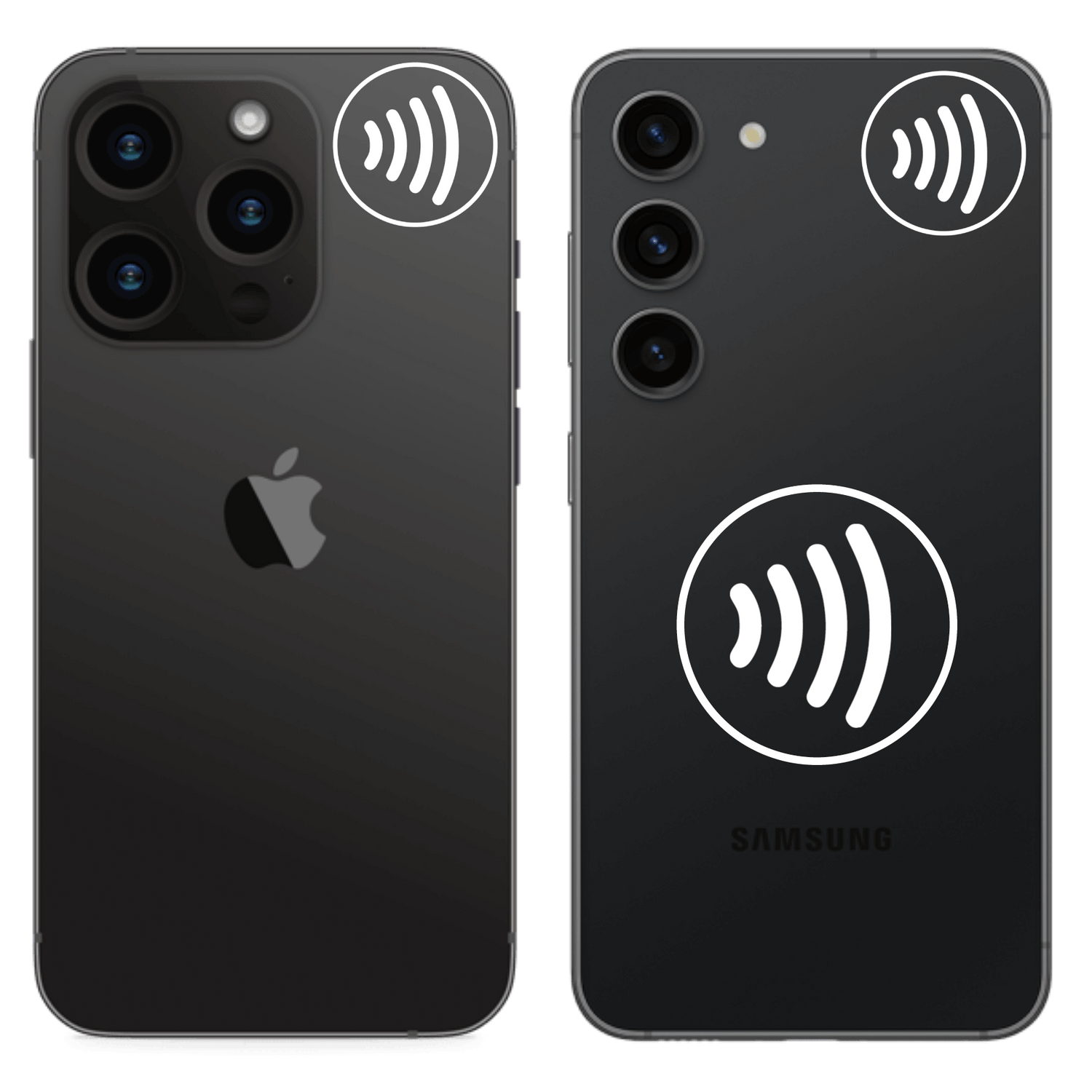
Lokalizacja czytnika NFC
Open the Manage Mii app and start placing your wearable on the back of your mobile phone. See the NFC 'sweet spots' per device type in the image.
If you experience difficulties during pairing, we recommend removing the phone case and ensuring that no other (payment) cards are close to the NFC reader of your phone, as these can disrupt the signal. It is important to hold the wearable still against the phone and not to place the phone on top of the wearable.
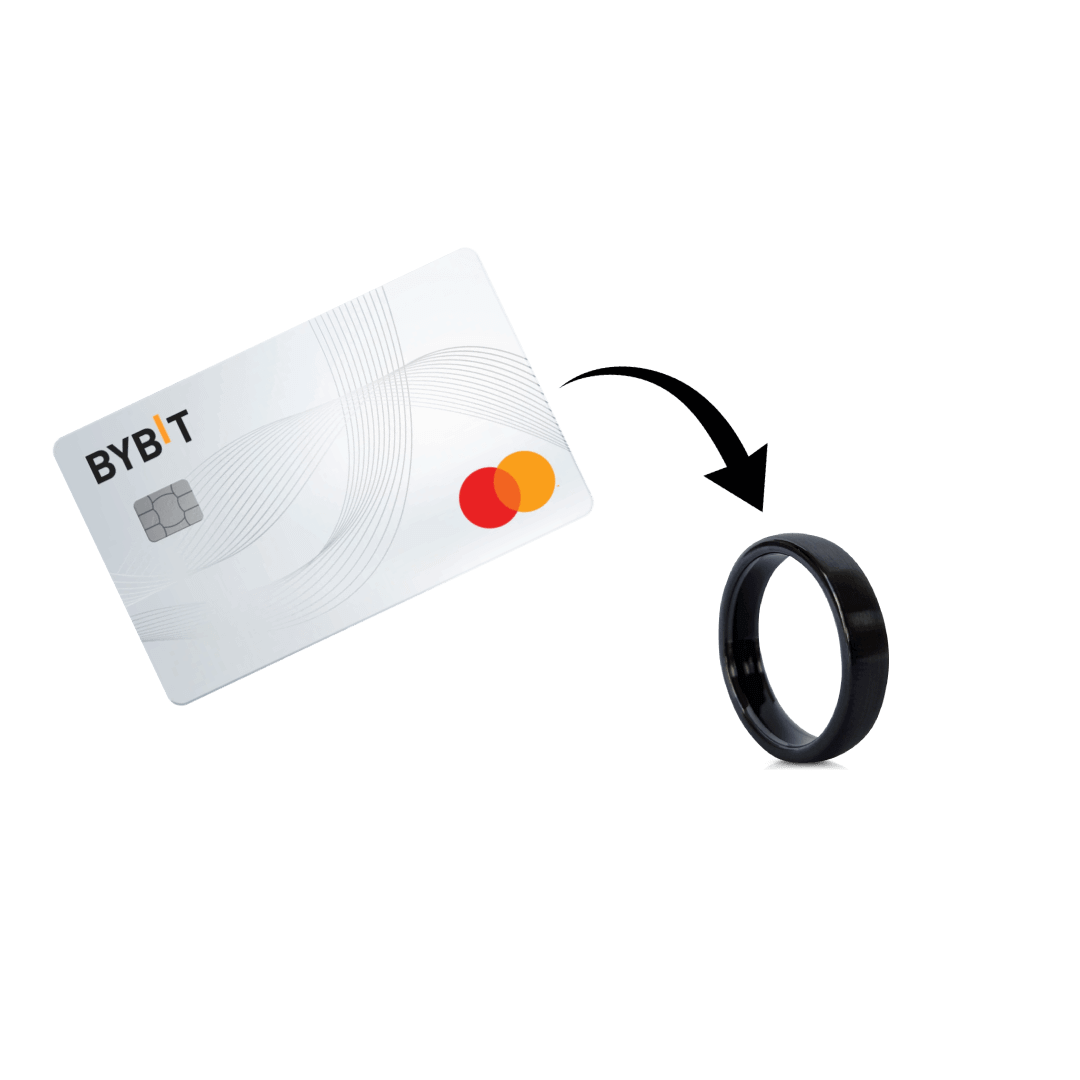
KROK 3 – Połącz swoją kartę Bybit
Po połączeniu urządzenia z aplikacją Manage Mii naciśnij przycisk „Dodaj płatność” i wprowadź dane karty Bybit.
Postępuj zgodnie z instrukcjami wyświetlanymi na ekranie, aby sparować kartę Bybit z urządzeniem, przytrzymując ją płasko przy punkcie NFC w telefonie, aż do zakończenia parowania. Możesz już płacić!
Nie posiadasz jeszcze karty Bybit?
-
Krok 1
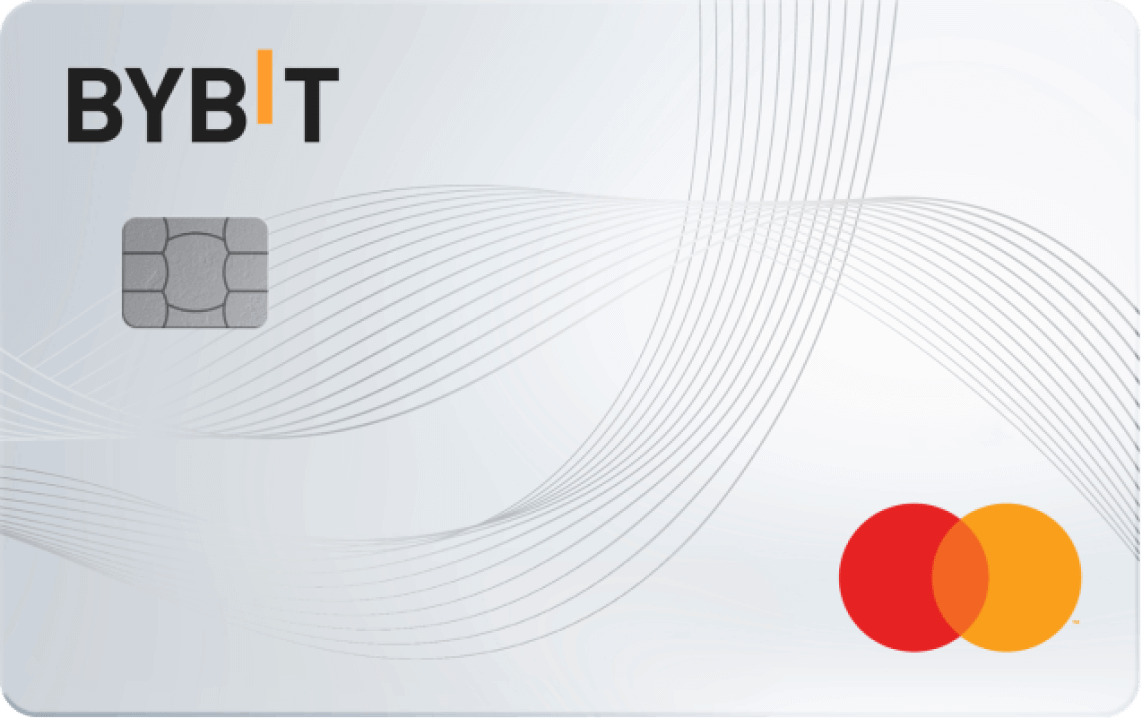
Sign up and apply for your Bybit Card here.
-
Krok 2
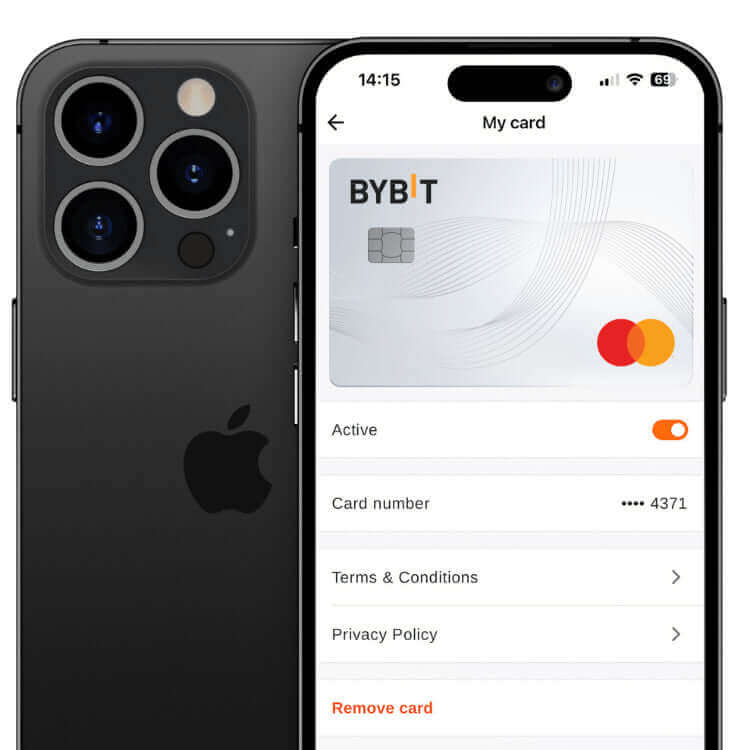
Gdy Twoja wirtualna karta Bybit zostanie natychmiast zatwierdzona, możesz połączyć ją ze swoim nowym urządzeniem Astari i cieszyć się bezproblemowymi płatnościami!
Nie możesz się doczekać konfiguracji?
Prosimy o dokładne zapoznanie się z instrukcją przed jej przeczytaniem – często pomaga to szybko rozwiać wszelkie wątpliwości. Nadal bezskutecznie? Napisz do nas na adres: support@astariwearables.com – zawsze chętnie pomożemy!